Blank New Tab - Chrome Note-Taking Extension
Open a new tab in Chrome. What do you see?
Google's logo, a search bar, maybe some website thumbnails. That's it. Every single time you open a tab, you get the same static page that does nothing unless you type a search query.
I got tired of this. Every time I wanted to jot down a quick thought, I had to open Notion, or Google Keep, or find a text editor. Too many steps. Too slow.
So I built this extension. Now when I open a new tab, I get a blank page ready for notes. No loading, no login, just type.
The problem with default new tab pages
Chrome, Edge, Firefox - they all do the same thing. New tab shows you:
- A search bar (you already have the address bar)
- Website shortcuts (you probably use bookmarks or history)
- Maybe a background image
- Sometimes ads or suggested articles
None of this helps when you need to write something down fast. And that happens more often than you think - meeting notes, ideas, temporary reminders, code snippets you want to test later.
The default new tab is optimized for searching the web. But most of us open dozens of tabs per day. Why waste all that screen space?
What this extension does differently
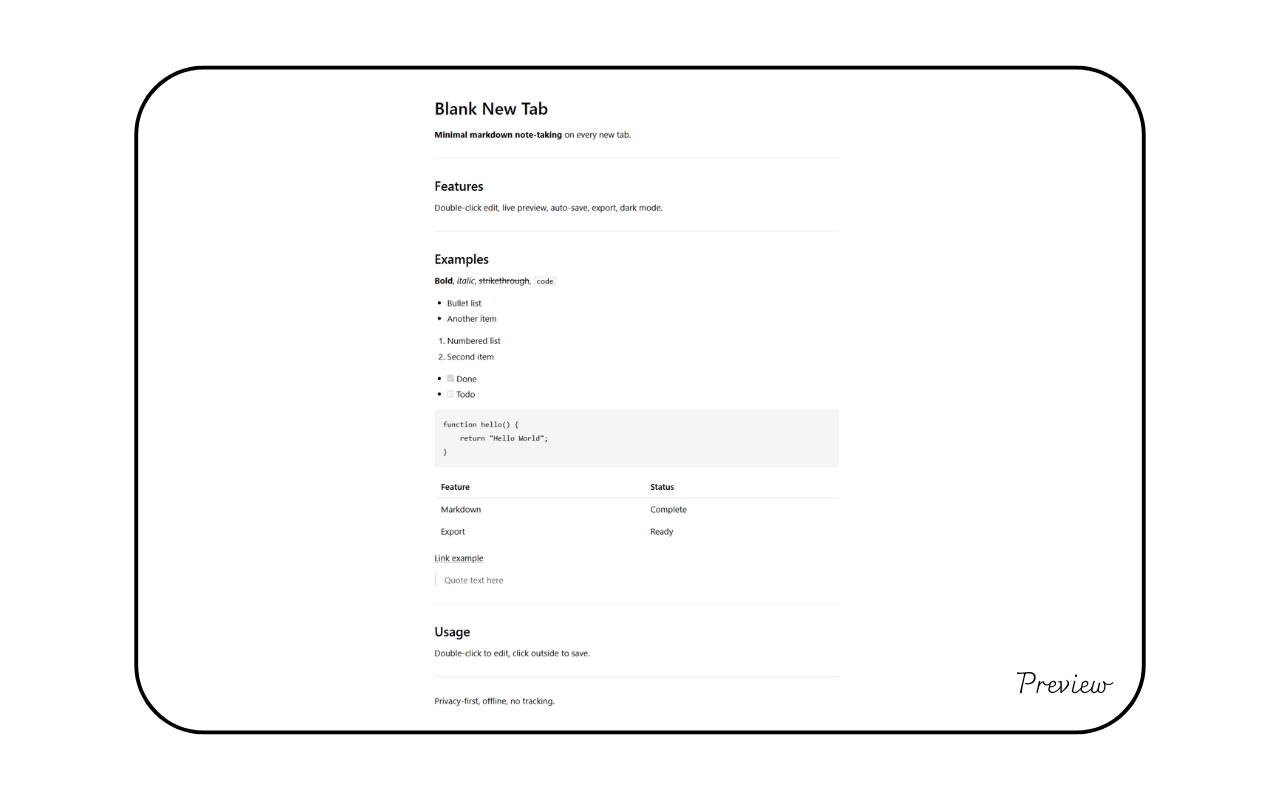
When you install Blank New Tab, every new tab becomes a note-taking space. Double-click anywhere to start typing. Click outside the text area and it saves automatically.
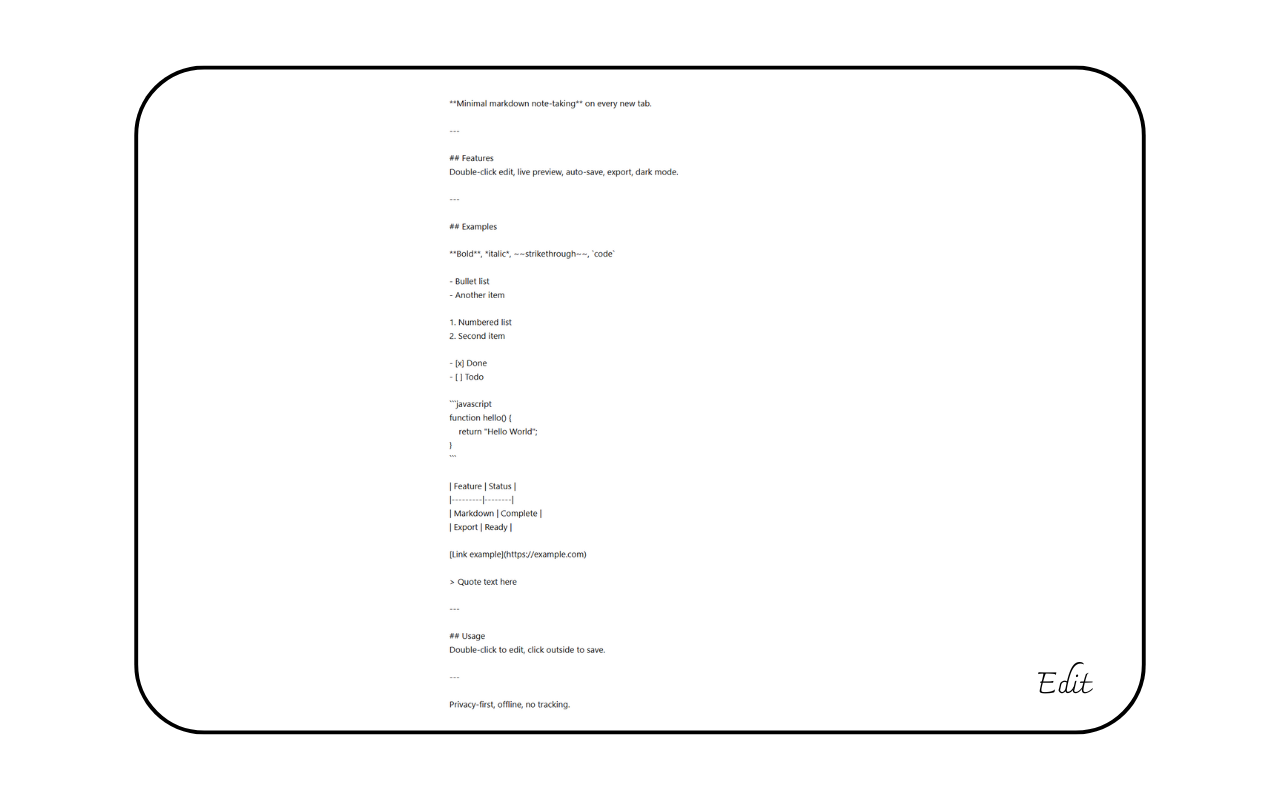
No buttons to click, no "Save" or "New Note". Just double-click, type, click away. The simplest workflow possible.
It supports markdown, so you can format text with headers, lists, links. But if you just type plain text, that works too. The extension is smart enough to know the difference.
Two ways to use it
Here's where it gets useful. The extension has two modes:
Session mode (default): Each tab is independent. You open a new tab, write something, close it - the note disappears. Perfect for temporary stuff like:
- Quick calculations
- Pasting text to read later
- Draft messages before sending
- Temporary code snippets
Persistent mode: Toggle the icon in the top-right corner. Now all tabs share the same note, and it saves even after you close the browser. Good for:
- Daily to-do lists
- Meeting notes you need all day
- Reference information
- Running list of ideas
You can switch between modes anytime. No need to restart anything.
Privacy matters
Here's something important: this extension never sends your notes anywhere. No server, no cloud sync, no analytics tracking.
Everything stays in your browser's local storage. Your notes don't leave your computer.
I built it this way on purpose. Note-taking apps like Notion or Evernote require internet, require accounts, and store everything on their servers. Sometimes you don't want that.
This extension works offline. No one can read your notes except you.
## Export when you need it
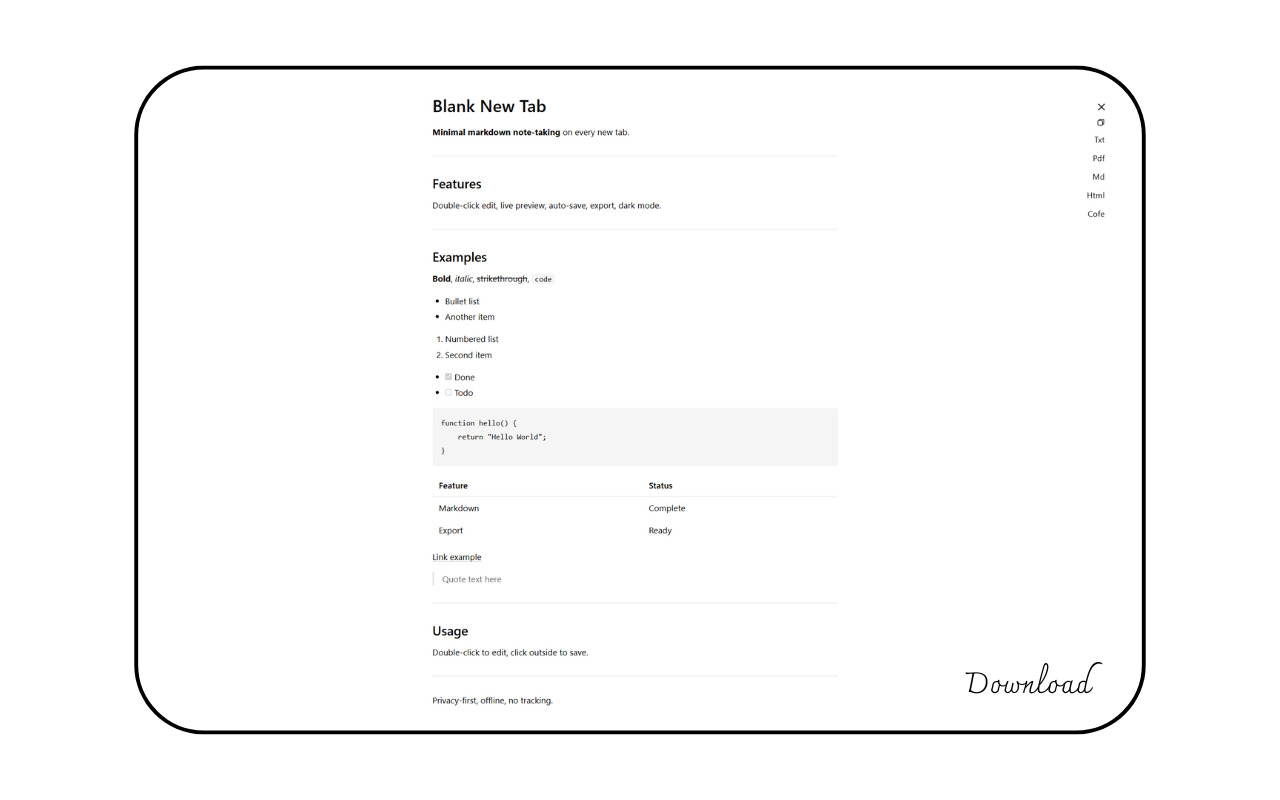
Sometimes you need to move notes somewhere else. The extension detects what you wrote and offers the right export format:
- Plain text → .txt file
- Markdown → .md file with formatting
- Code or HTML → .html file
- Any content → PDF via print dialog
You can also copy everything to clipboard with one click. I use this constantly - write in a new tab, copy, paste into email or Slack.
The PDF export actually works well. I tested it with markdown tables and lists - comes out clean, no weird formatting issues.
Minimal by design
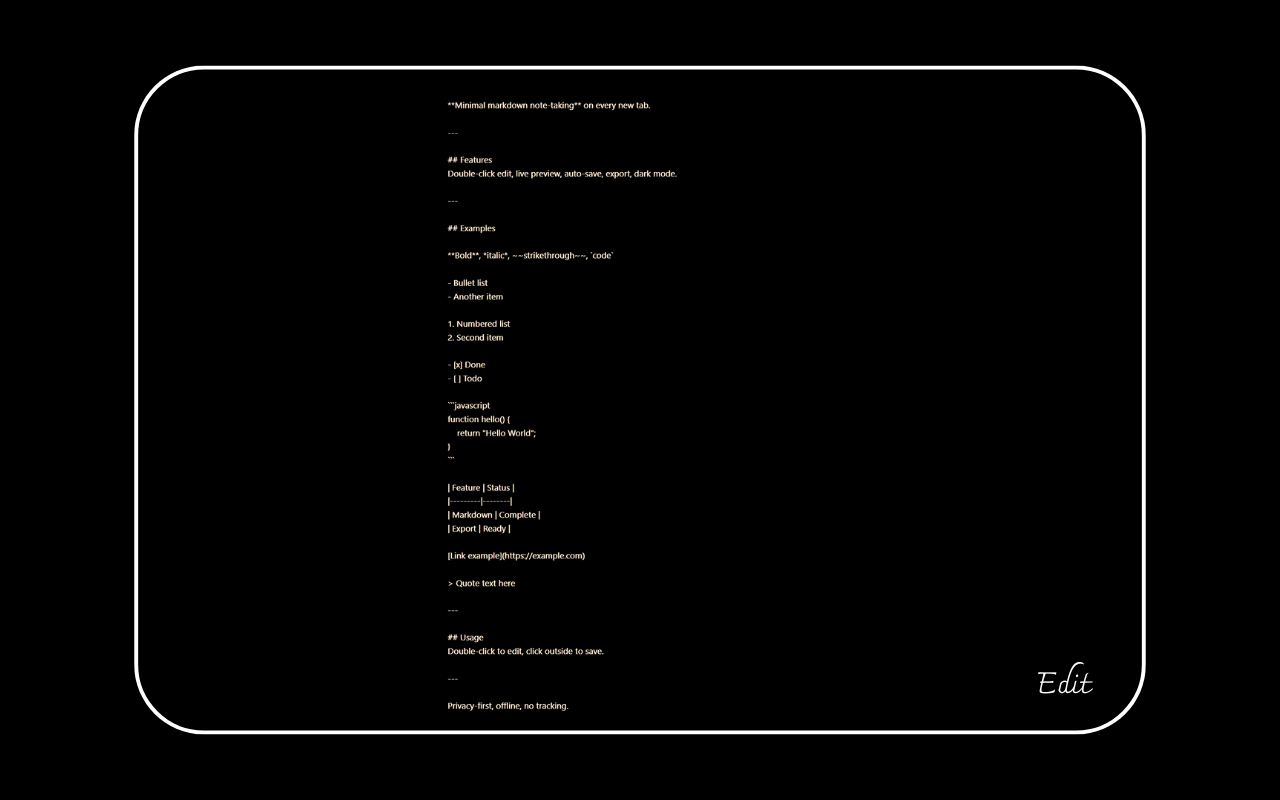
The interface is just black text on white background. Or white on black if you enable dark mode (toggle in the top-right corner).
No icons floating around. No sidebar. No settings menu with fifty options.
Export buttons only appear when you've typed something. Scroll down the page and they hide automatically. Scroll back up and they reappear. Small detail, but it keeps the interface clean.
The font is easy to read. The design gets out of your way.
Faster than alternatives
I tried other solutions before building this:
Notion/OneNote/Google Keep: Great apps, but they require you to:
- Open the app
- Wait for it to load
- Create a new note
- Start typing
With this extension: Open tab, start typing. That's it.
Notepad/Text editors: Faster, but you have to alt-tab to open them, create a file, remember to save it somewhere.
Default new tab with notes extensions: Most of them are cluttered with widgets, weather, news feeds, todo lists with checkboxes. Too much.
This extension does one thing: gives you a blank space to write. Nothing more.
When I actually use this
Real examples from my workflow:
Morning routine: I open a persistent note and list what I need to do today. The note stays open in every new tab. Throughout the day I check it, cross things off.
During meetings: Someone mentions a task or idea. New tab, quick note in session mode, close tab when done.
Reading documentation: I copy code examples into a new tab to test them. Session mode means they disappear after - no cluttered files.
Writing emails: Draft the message in a new tab first. Read it over, edit, then copy to email client. Helps me avoid sending half-baked emails.
Debugging: Paste error messages or logs into a new tab. Better than switching to Notepad.
The pattern is simple: if I need to write something, I don't think about where. Just open a new tab.
Who should use this
This extension makes sense if you:
- Take notes frequently throughout the day
- Want the fastest possible way to write something down
- Value privacy and offline access
- Prefer minimal interfaces
- Open many tabs anyway
It doesn't make sense if you:
- Never take quick notes
- Need advanced features like note organization, folders, tags
- Want to sync notes across devices (this is local-only)
- Prefer the default new tab page
Technical details (if you care)
The extension uses Chrome's Manifest V3 standard. Code is modular - separate modules for storage, editing, exporting, themes.
Autosave triggers 500ms after you stop typing. Cursor position is preserved when switching between edit and preview mode, calculated from where you click.
Total file size is tiny - the main code is under 30KB. Only dependency is marked.js for rendering markdown.
No external requests, no telemetry, no tracking. You can read the source code if you want to verify.
Bottom line
I built this because I wanted my new tab page to actually do something useful. Every tab was wasted space.
Now every new tab is a notepad. Simple idea, but it changed how I work.
If you open dozens of tabs per day anyway, might as well use them for something. Give it a try.
Install link: Blank New Tab - Chrome Web Store